
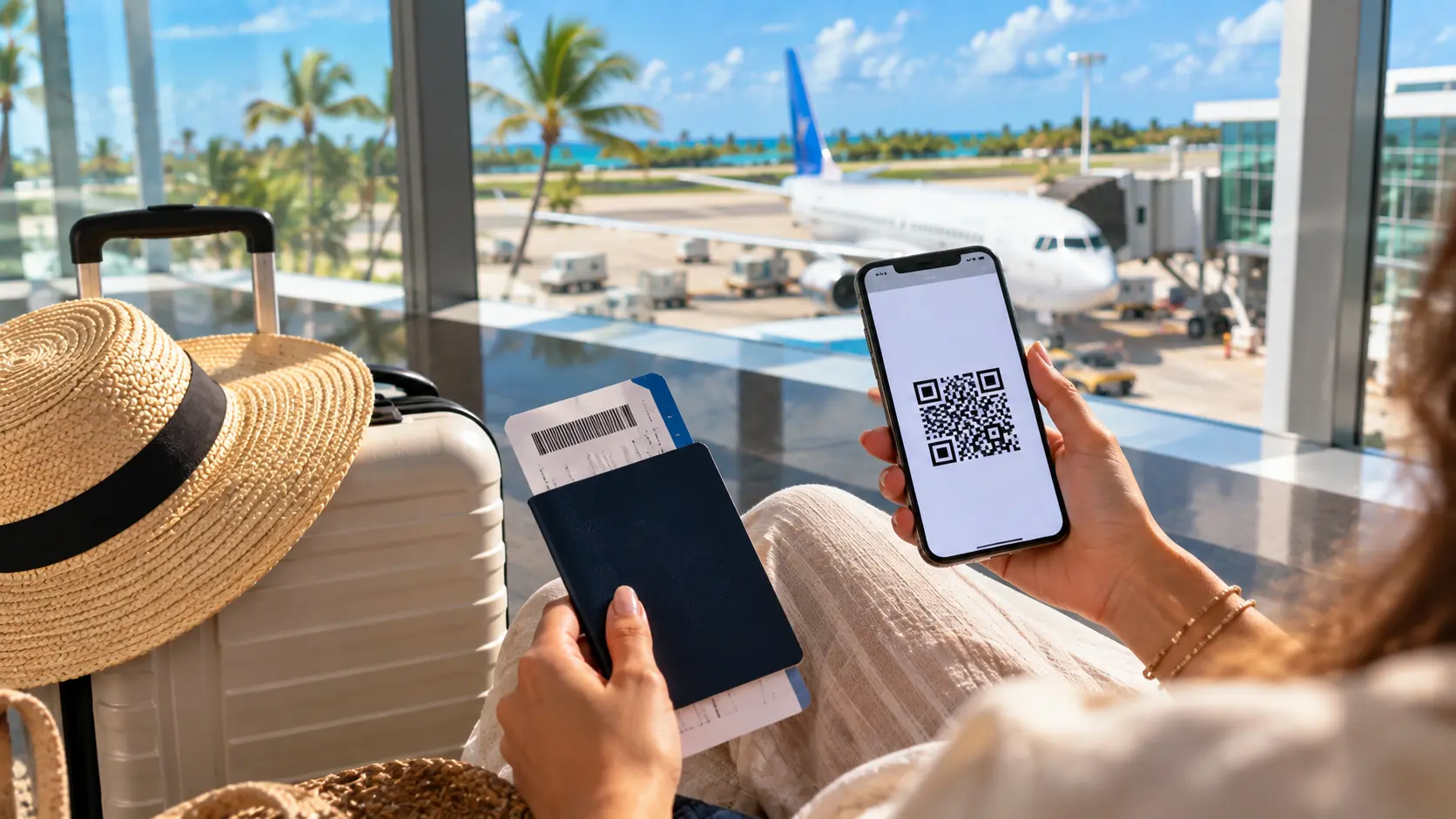
If you’re flying to Punta Cana, complete the e ticket for Dominican Republic before reaching the airline check-in counter. It’s a free online form covering immigration, customs, and other arrival details. Use the official Dominican government portal and save the QR confirmation after submitting the form.
Keep your passport, flight information, and accommodation address nearby before you begin. Filling it out early is easier than handling paperwork at a busy airport. Save a screenshot of your QR code so you can access it even without reliable internet.
Before you start filling it out, here’s what this e-ticket actually does and why it matters for your trip.
What Is an E-Ticket for Dominican Republic?
The Dominican Republic e-Ticket is an online passenger form for immigration and customs information. It replaces a lot of the paperwork travellers used to have to deal with through traditional paper forms. You complete it online before you travel, giving correct details of yourself and your trip.
After submitting the form, you receive confirmation details and a QR code for your journey. Keep that QR code saved on your phone, so it stays easy to access at the airport. A screenshot also helps when Wi-Fi is weak or unavailable.
Despite its name, the e-ticket is not your airline ticket or boarding pass. It is also not a visa or a replacement for one. Think of it as required travel paperwork that helps Dominican authorities process your arrival or departure.
Knowing that difference clears up one common confusion, but another question matters even more: do you actually need one?
Do I Need an E-Ticket for Dominican Republic?
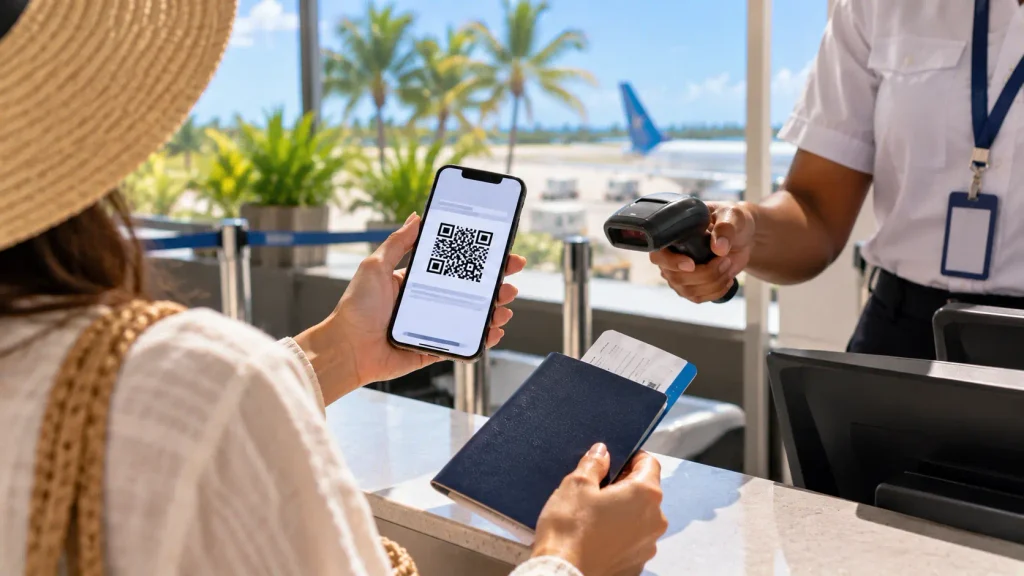
Yes, you need an e-ticket if you enter or leave the Dominican Republic on a commercial flight. This applies to both Dominican citizens and foreign travelers. So, if you are flying into Punta Cana, completing the form is part of your pre-trip checklist.
There are a few exceptions, though. Entry procedures for some non-commercial vessels, private flights, ferries or cruise ships might be different. In those cases, you may still use physical forms instead of the usual online process.
Your mode of travel determines the requirement, so checking this early can save confusion before departure.
Not sure which airport you’ll be using? Check our guide to airports in the Dominican Republic before you travel.
When Should I Fill Out the E-Ticket for Dominican Republic?
You do not need to wait until 72 hours before departure to complete the form. You can fill it out once your flight details are available. Official guidance says travelers may complete it months before departure.
If you are wondering when do you fill out e ticket for Dominican Republic, a few days before travel works well. That timing is a practical recommendation, not an official deadline. It gives you time to correct mistakes and save your confirmation offline.
For travelers asking when should I fill out e ticket for Dominican Republic, earlier is usually easier. Just make sure it is completed before you reach the airline check-in counter.
How to Fill Out the E-Ticket for Dominican Republic
The form is easy to complete when you have your travel details ready. Most travelers can finish it in just a few minutes. Follow these steps to avoid mistakes and keep the process simple.
1. Open the Official Dominican Republic E-Ticket Website
Start with the official Dominican Republic E-Ticket website. Check that the site uses the .gob.do domain before entering personal information. That domain is used by official Dominican government websites.
The official e-ticket is free to complete. You do not need to pay a third-party website for the standard form. Using the government portal also keeps the process more direct and secure.
2. Have Your Passport and Flight Details Ready
Keep your passport, airline name, flight number, travel dates, and email address nearby. You will also need details about where you are staying. Having everything ready saves time once you begin.
If you booked a vacation rental, keep the full address available. You may need the province, municipality, and sector. This information can be easy to miss if you only saved the property name.
3. Enter Your Personal Information Carefully
Enter your personal details exactly as they appear in your passport. Double-check your name, passport number, nationality, and date information. A quick review can prevent problems later.
Do not rush through this part of the form. Even a small typo can create confusion at check-in. Take a few extra seconds before moving to the next section.
4. Add Your Travel and Accommodation Information
Enter your real flight details and the address where you will stay. Make sure the information matches your current booking. If your plans change, review the form again before travel.
If your home city does not appear, choose the nearest major city in your region. This is a practical option provided in official travel guidance. It helps you continue without getting stuck on the location field.
5. Complete the Required Customs Questions
Answer the customs questions honestly and based on what you are carrying. These questions are part of the official entry process. Read each one carefully before choosing your answer.
For family applications, adults complete the customs section. Children included on the same application do not complete that part. This keeps the family process more straightforward.
6. Submit the Form and Save Your QR Confirmation
Review your information before submitting the form. Save every confirmation or QR code the portal provides. Take a screenshot so you can open it without mobile data.
You can also print a copy if you prefer having a paper backup. Follow the current portal instructions for both entry and departure steps. Save each confirmation it generates, since the process may change over time.
Once your e-ticket is sorted, make your arrival easier by arranging your ride in advance. Explore Punta Cana airport transfers for a smoother trip from the airport to your hotel.
Can One E-Ticket Cover a Family?
Yes, one Dominican Republic e-ticket can cover several family members traveling together. You can add yourself and up to six relatives on one form. That means one application can include a total of seven people.
Traveling with children does not mean creating a separate application for every person. The system can generate one family QR code for everyone included on the form. Children also do not need to complete the customs section themselves.
If your group has more than seven people, you will need another form. Keeping everyone’s passports nearby makes the process much easier. It also helps you avoid spelling mistakes when adding each traveler.
Do You Have to Pay for the Dominican Republic E-Ticket?
No. The official Dominican Republic e-ticket is free. You do not need to pay the government to complete the standard online form. Some third-party websites may charge fees for filling it out on your behalf.
Before entering passport details, check that you are using an official Dominican government website. Look for the .gob.do domain and avoid sites that make the form look like a paid service. Using the official portal keeps the process simple and helps protect your personal information.
Plan Your Punta Cana Activities After Completing Your E Ticket

Once your travel paperwork is done, you can focus on the experiences that make Punta Cana feel worth the trip. A little planning helps you spend less time organizing and more time enjoying the coast. It also makes your first days feel easier after a long flight.
A private catamaran 3 hours is a great way to enjoy the water with your own group. You can swim, snorkel, relax on deck, and take in the Punta Cana coastline at your own pace. It is a simple way to add a calm, memorable afternoon to your trip.

Common E-Ticket Mistakes to Avoid Before Flying
A few small mistakes can really slow you down at the airport, so it pays to double-check everything before you go. Have this checklist with you as you complete your form.
- Avoid paid third party websites when the official form is free.
- Please check your passport number before you send it.
- Please make sure you have selected the right flight and travel date.
- Enter your full accommodation address, not just the hotel name.
- Do not wait until airline check-in to complete the form.
- Save your application code and confirmation after submission.
- If your flight information changes, please update your details.
That application code allows you to reopen the form and make changes in the system where you can.
Still getting ready for your flight? Use our Punta Cana packing guide to make sure nothing important stays behind.
Final Thoughts
The Dominican Republic e-ticket is one of those small travel tasks that is worth handling before departure. Complete it once your flight details are ready, then save the QR code somewhere easy to reach. I always recommend keeping a screenshot too, especially when airport Wi-Fi decides not to cooperate.
Once that is out of the way, you can focus on the part of the trip you will actually remember. Punta Cana is much more enjoyable when your paperwork is sorted and your plans feel relaxed. That could mean a quiet beach day, snorkeling offshore, or spending a few hours on a private catamaran.
If you need help planning your time in Punta Cana, send us a message on WhatsApp. We are happy to help you figure out what fits your trip best.
Frequently Asked Questions
Do I need an e-ticket for Dominican Republic?
Yes, if you enter or leave the Dominican Republic on a commercial flight. Private flights, cruise ships, ferries, and some vessels follow different procedures.
When do you fill out the e-ticket for Dominican Republic?
Once you have your flight details you can fill out the e-ticket. You don’t have to wait 72 hours to leave.
Is the Dominican Republic e-ticket free?
Yes, the official Dominican Republic e-ticket comes at no cost. Official Government portal Use third-party websites that charge unnecessary processing fees.
Do I need to print my e-ticket QR code?
No, you can save the QR code screenshot on your phone. A printed version can still come in handy as a backup.
Can I change my Dominican Republic e-ticket?
Yes, you may access your application using the application code. You can update certain details when the official system allows changes.